GOLD / UNLIMITED PLAYERS
Build a bigger video wall.
Open more than three players and keep adding videos as your setup grows. Gold removes the player limit; your hardware sets the practical ceiling.
THE MULTI-VIDEO PLAYER FOR WINDOWS
YOUR PLAY. YOUR WAY.Ultiplay is a multi-video media player for Windows. Play videos, streams, and cameras together in a grid or mosaic, across one screen or multiple monitors.
Windows 10 / 11 · Free for up to 3 players
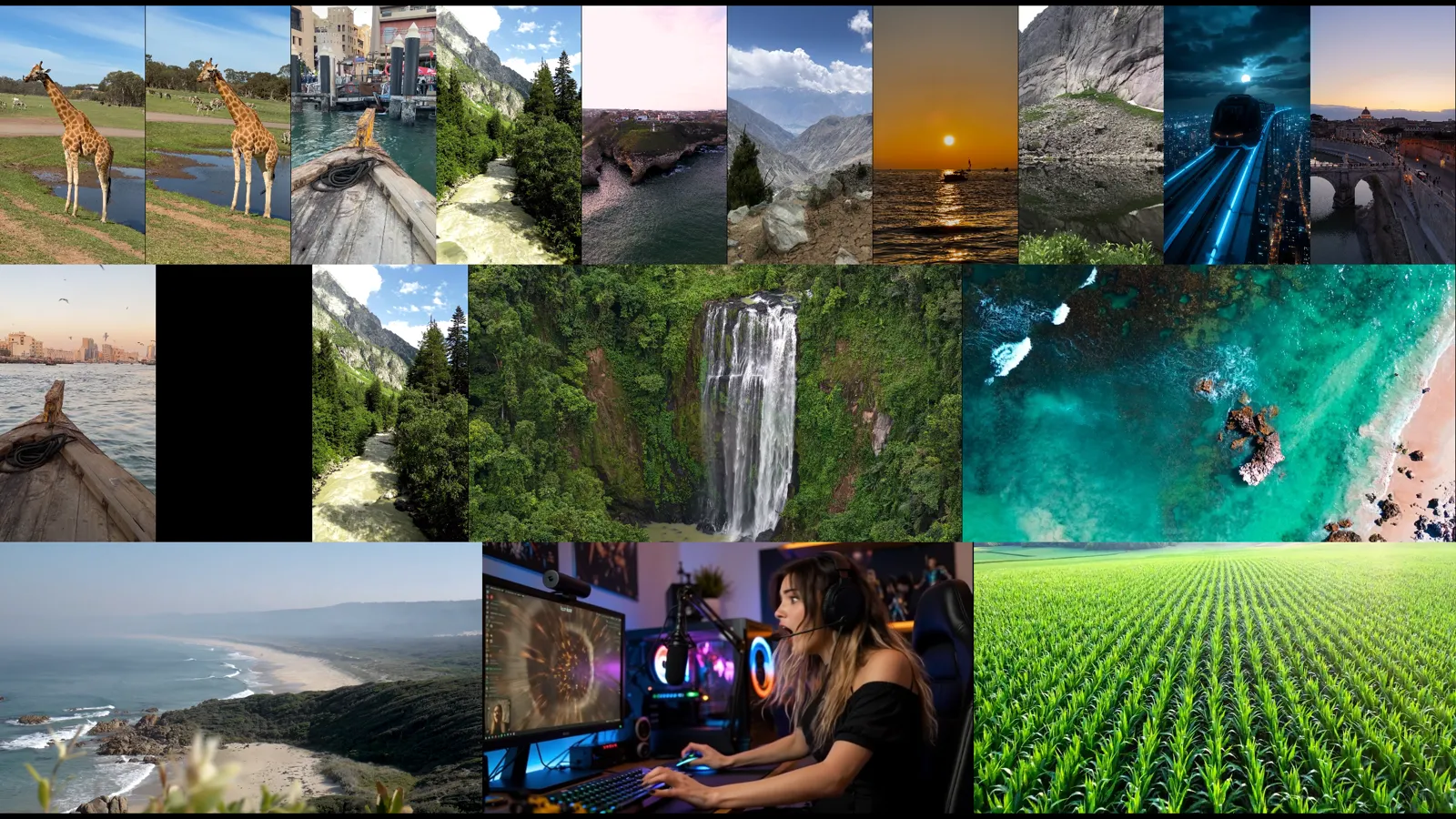
01 / ARRANGE YOUR WORLD
Four modes. A single keystroke to switch. Find your arrangement, then save it for next time.
Every layout mode is included in Free. Setups with more than 3 players require Gold.
BRING IT ALL TOGETHER
Mix sources in the same setup. Queue what plays next, control each player, and save your favorite layouts. All included in Free.
02 / TAKE CONTROL WITH GOLD
Already using Ultiplay? Gold opens up the tools for a bigger, more flexible video wall.
See Free & GoldGOLD / UNLIMITED PLAYERS
Open more than three players and keep adding videos as your setup grows. Gold removes the player limit; your hardware sets the practical ceiling.
GOLD / DJ DASHBOARD
Manage per-player seek bars, volume, and playlists from the DJ Dashboard. Keep control of the entire set without hopping between windows.
GOLD / MIRROR + SYNC
Mirror a player to another screen, synchronize playback, and duplicate playlists for a repeatable multi-monitor setup.
GOLD / RECORDING + SCREENSHOTS
Record your screen and take screenshots with the built-in capture tools. Keep the moments you want to return to.
03 / SEE THE BIGGER PICTURE
04 / MAKE IT YOURS
Try Ultiplay with your own videos. Upgrade when you want more players and the full control toolkit.
ULTIPLAY FREE
For watching up to three videos at once.
Windows 10 / 11 · 64-bit · No account needed
ULTIPLAY GOLD
ONE-TIME PURCHASEEverything in Free, with room to do more.
No subscription · Lifetime updates · 14-day refund window
*The number of videos your computer can play depends on its hardware and the media.
Sold by Ultiplay LLC. Secure checkout via Stripe. Purchases are subject to our EULA, Terms of Service, and Refund Policy.
| Feature | Free | Gold |
|---|---|---|
| Simultaneous players | Up to 3 | Unlimited* |
| All video & image formats | Included | Included |
| Drag & drop | Included | Included |
| Smart playlists & play-next queue | Included | Included |
| Saved layouts | Unlimited | Unlimited |
| Classic, Grid, Screen Maximize & Mosaic | All 4 | All 4 |
| URL & stream playback | Included | Included |
| Basic fullscreen | Included | Included |
| Webcams & Screen Player | Included | Included |
| DJ Dashboard | — | Included |
| Mirror & sync | — | Included |
| Duplicate playlists | — | Included |
| Screen recording & screenshots | — | Included |
| Advanced shortcuts & player swapping | — | Included |
| Priority support | — | Included |
BEFORE YOU PRESS PLAY
The essentials about players, platforms, and the optional Gold upgrade.
Ultiplay is a multi-video media player for Windows 10 and Windows 11 (64-bit). It brings local videos, streams, and cameras together, with Classic, Grid, Screen Maximize, and Mosaic layouts.
Yes. Ultiplay Free supports up to 3 simultaneous players. Gold removes the player-count limit. How many videos run smoothly depends on your computer and the resolution and format of your media.
The Free edition has no time limit, watermark, or account requirement. It includes up to 3 players, all four layout modes, streaming, webcam and Screen Player sources, and unlimited saved layouts.
Gold adds unlimited players, the full DJ Dashboard, mirror and sync tools, duplicate playlists, screen recording, screenshots, and advanced controls. It costs $15.00 USD plus applicable tax as a one-time purchase, with lifetime updates and no subscription.
Yes. Screen Maximize arranges players across your monitors. Grid arranges players evenly, while Mosaic adapts the layout to different video aspect ratios. Gold also includes mirror and sync tools.
Ultiplay currently supports Windows 10 and Windows 11 (64-bit). There is no native Mac, Linux, Android, or iOS version.
Need a closer look? Watch the tech demo or get in touch.
YOUR PLAY. YOUR WAY.